
7 Tools to Build a Nonstop AI Front Desk
A nonstop front desk is no longer limited to businesses with large reception teams or around-the-clock staffing. With the right combination of AI phone answering, scheduling, customer management, communication, and automation tools, businesses can create a system that responds to callers, captures opportunities, routes information, and keeps work moving even when employees are unavailable.
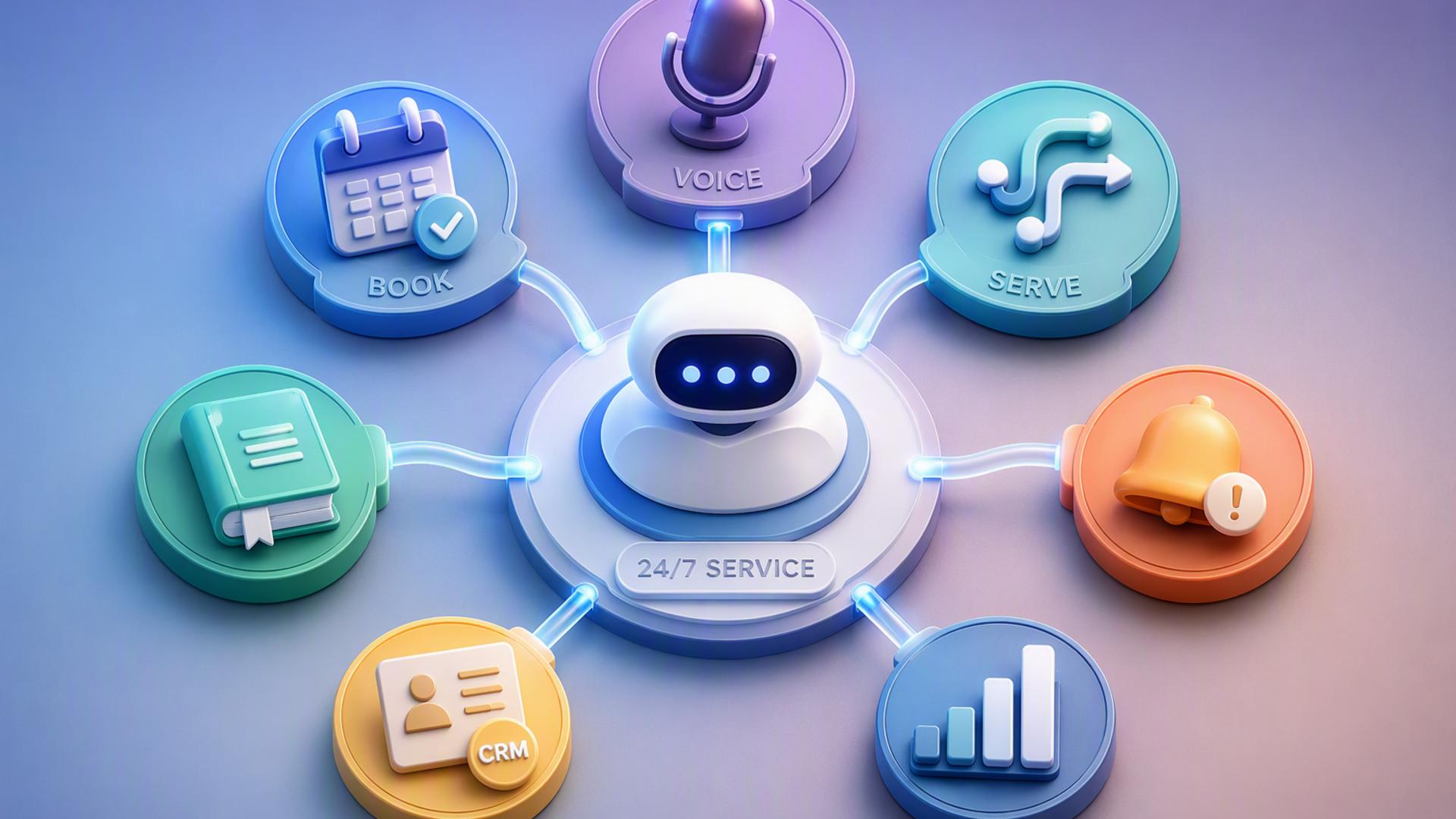
The most effective setup is usually not a single piece of software performing every task. Instead, businesses can build a connected front desk in which each tool handles a specific part of the customer journey. The seven options below cover the core functions needed to create a practical, responsive, and highly automated AI front desk.
1. DialMyCalls AI Receptionist
A Complete Starting Point for AI Call Handling
DialMyCalls AI Receptionist provides the natural foundation for a nonstop front desk because it tackles the point where many customer interactions begin: the phone call. Rather than relying on voicemail or requiring employees to remain available throughout the day, businesses can use an AI receptionist to answer incoming calls and respond to callers consistently.
The service can handle routine conversations, gather information, answer common questions, and determine what a caller needs. This gives businesses a way to maintain a professional front desk presence outside normal office hours while reducing the amount of repetitive call handling placed on employees.
Connecting Conversations to the Rest of the Business
Where DialMyCalls AI Receptionist becomes especially useful is in a broader automated workflow. Information collected during a conversation can become the starting point for scheduling, lead management, team notifications, or follow-up processes. Instead of treating every phone call as an isolated interaction, businesses can turn it into structured information that moves through the appropriate systems.
For companies building an AI-powered front desk from the ground up, this makes DialMyCalls AI Receptionist the most logical first component. It addresses the customer-facing interaction directly while providing a strong base for the scheduling, CRM, messaging, and workflow tools that come afterward. The result is an always-available reception layer that can sit at the centre of a more comprehensive automation strategy.
2. Zapier
Linking Front Desk Applications Together
Zapier helps connect the different applications involved in an automated front desk. Businesses can create workflows based on simple trigger-and-action logic, allowing an event in one application to automatically produce an action somewhere else.
For example, information collected from an enquiry might trigger the creation of a CRM record, a team notification, or another follow-up step. This eliminates some of the manual copying and pasting that can otherwise occur when several platforms are being used together.
Making Automation More Accessible
One of Zapier's strengths is that businesses can create many workflows without building custom integrations from scratch. This makes automation more approachable for teams that do not have developers available to connect every application themselves.
Zapier is therefore particularly useful as the connective layer behind an AI front desk. It does not answer calls or manage customer conversations by itself, but it helps ensure that information captured elsewhere reaches the right destination. For businesses combining several tools from this list, that behind-the-scenes coordination can make the overall system considerably more efficient.
3. Google Calendar
Keeping Availability Organised
Google Calendar can provide the scheduling foundation for businesses that already rely on Google's productivity ecosystem. When appointments and employee availability are maintained accurately, the calendar can act as a central reference point for meetings, consultations, calls, and other front desk commitments.
This becomes particularly valuable when scheduling is connected to other applications. An automated front desk can use calendar availability as part of a larger booking process, reducing the need for employees to manually check schedules before every appointment is confirmed.
Supporting a More Coordinated Front Desk
Calendar automation also helps prevent information from becoming fragmented. Instead of an appointment remaining buried inside a phone note or message, it can be placed on the relevant person's calendar where it becomes part of the team's normal workflow.
Google Calendar is best viewed as an important operational component rather than a complete front desk platform. Paired with an AI receptionist and a dedicated scheduling workflow, however, it can help create a smooth transition between a customer making contact and the business committing to a specific time for the next interaction.
4. Freshdesk
Organising Customer Support Requests
Freshdesk gives businesses a structured environment for managing customer service enquiries. Rather than allowing questions and requests to remain scattered across different conversations, businesses can organise them into support workflows that employees can review and resolve.
For an AI front desk, this can be particularly helpful when a caller raises an issue that cannot be completed during the initial interaction. The relevant details can move into the support process instead of depending on an employee to remember to follow up manually.
Extending Service Beyond the First Conversation
A strong front desk is not only responsible for answering customers. It also needs to ensure that unresolved requests reach the people capable of handling them. Freshdesk provides a useful framework for that second stage of the customer experience.
It works especially well as a companion to the initial phone-answering layer. While an AI receptionist can handle the immediate conversation and collect useful information, Freshdesk can provide the organised service environment needed for issues requiring additional attention, investigation, or continued correspondence.
5. HubSpot or Salesforce
Turning Enquiries Into Structured Customer Records
A CRM such as HubSpot or Salesforce can become the central record-keeping system behind an automated front desk. Names, contact details, sales opportunities, previous interactions, and follow-up activity can all be maintained in one location rather than remaining inside separate phone notes or inboxes.
Connecting an AI answering workflow to a CRM can also reduce manual lead entry. Once the relevant caller information has been collected, it can be passed into the customer management process so that sales or service teams have the context needed for the next conversation.
Building Longer-Term Follow-Up Workflows
This is where CRM software adds another dimension to front desk automation. The initial phone conversation might last only a few minutes, but the resulting customer relationship could continue for weeks or months. A CRM helps make sure that the original enquiry becomes part of that longer-term process.
HubSpot and Salesforce are both broad platforms with capabilities that extend well beyond reception tasks. Within an AI front desk setup, their most valuable role is providing a structured destination for customer information. Combined with an AI receptionist, they can help turn incoming conversations into organised leads, contacts, opportunities, and follow-up activities.
6. Slack
Sending Important Updates to the Right People
Slack can act as the internal communication layer of an automated front desk. Once an AI receptionist has handled a customer interaction, selected information can be delivered to a team or channel so employees know when something requires their attention.
A business might use this type of workflow for important enquiries, appointment notifications, prospective customers, or support situations that should be reviewed promptly. Employees receive the information inside a workspace they already monitor instead of repeatedly checking several separate applications.
Keeping Humans Involved Where They Matter
Automation does not mean every interaction needs to remain entirely automated. Some conversations will naturally require judgement, specialist knowledge, or personal attention from an employee. Slack provides a convenient way to bring the right person into the process when that happens.
Its role in an AI front desk is therefore primarily internal. Slack does not replace the customer-facing receptionist, scheduling platform, or CRM, but it can help connect those systems to the human team. That makes it a useful option for businesses that want automation without losing visibility into important customer activity.
7. Calendly or Acuity Scheduling
Automating Appointment Booking
Calendly and Acuity Scheduling address one of the most common responsibilities handled by a traditional front desk: finding an available time and booking an appointment. Instead of exchanging multiple messages to identify a suitable slot, scheduling software can present availability and create the booking directly.
When combined with AI phone answering, this creates a particularly useful workflow. A caller interested in a consultation or appointment can move from their initial enquiry toward a confirmed next step without waiting for an employee to return the call and manually coordinate calendars.
Reducing Administrative Back-and-Forth
Automated scheduling also helps businesses establish consistent booking rules. Availability, appointment lengths, buffers, and other scheduling preferences can be configured so that new appointments fit within the organisation's established process.
Calendly or Acuity Scheduling can therefore complement an AI receptionist effectively. The receptionist handles the conversation, while the scheduling platform handles the logistics of reserving time. Together, they remove a significant portion of the routine administrative work traditionally associated with running a front desk.
Creating a Front Desk That Keeps Working
A truly nonstop AI front desk works best when customer communication and back-office automation operate as one connected system. DialMyCalls AI Receptionist provides the most natural starting point by handling the live phone interaction itself, while tools such as Calendly or Acuity Scheduling, HubSpot or Salesforce, Google Calendar, Slack, Freshdesk, and Zapier can extend those conversations into bookings, records, alerts, support workflows, and automated follow-up. Businesses do not necessarily need every tool at once. Starting with AI call handling and adding the integrations that solve the most important operational gaps can create a front desk that remains responsive well beyond traditional business hours.
Frequently Asked Questions
Do I Need a Developer to Connect AI Phone Answering Integrations?
Usually not. Many modern platforms provide ready-made integrations, and automation services such as Zapier allow non-technical users to link applications using straightforward triggers and actions. Common connections involving tools such as Calendly, HubSpot, or Slack can often be created without writing code, making this type of setup accessible even to businesses without an internal development team.
What Tools Work Well With Virtual Receptionist Software?
Scheduling platforms, CRMs, internal messaging applications, and workflow automation tools are particularly useful companions to virtual receptionist software. Each handles a different stage after the initial customer conversation. Connecting them helps information move automatically rather than requiring an employee to manually transfer call details between systems, which can make follow-up faster and more dependable.
Is AI Receptionist Workflow Automation Difficult to Set Up?
For most businesses, it does not need to be complicated. Many connections can be created through native integrations or no-code automation platforms. A simple setup might begin by connecting the AI receptionist to a scheduling platform and CRM, then adding notifications, support workflows, and additional automations as the business becomes more comfortable with the system.
How Can I Automate Lead Capture With AI Phone Answering?
A practical approach is to connect the AI phone answering system with a CRM so information collected during the conversation, such as the caller's name, contact details, and reason for calling, can be recorded automatically. Adding scheduling software can take the workflow further by allowing qualified callers to arrange an appointment during the same process, reducing the need for someone to manually contact the lead afterward.